01 Build lasting memories
Keep your notes, documents, links, ideas, and experiences in one growing collection.
A second brain that gets to know you, remembers you,
and connects everything you have learned.

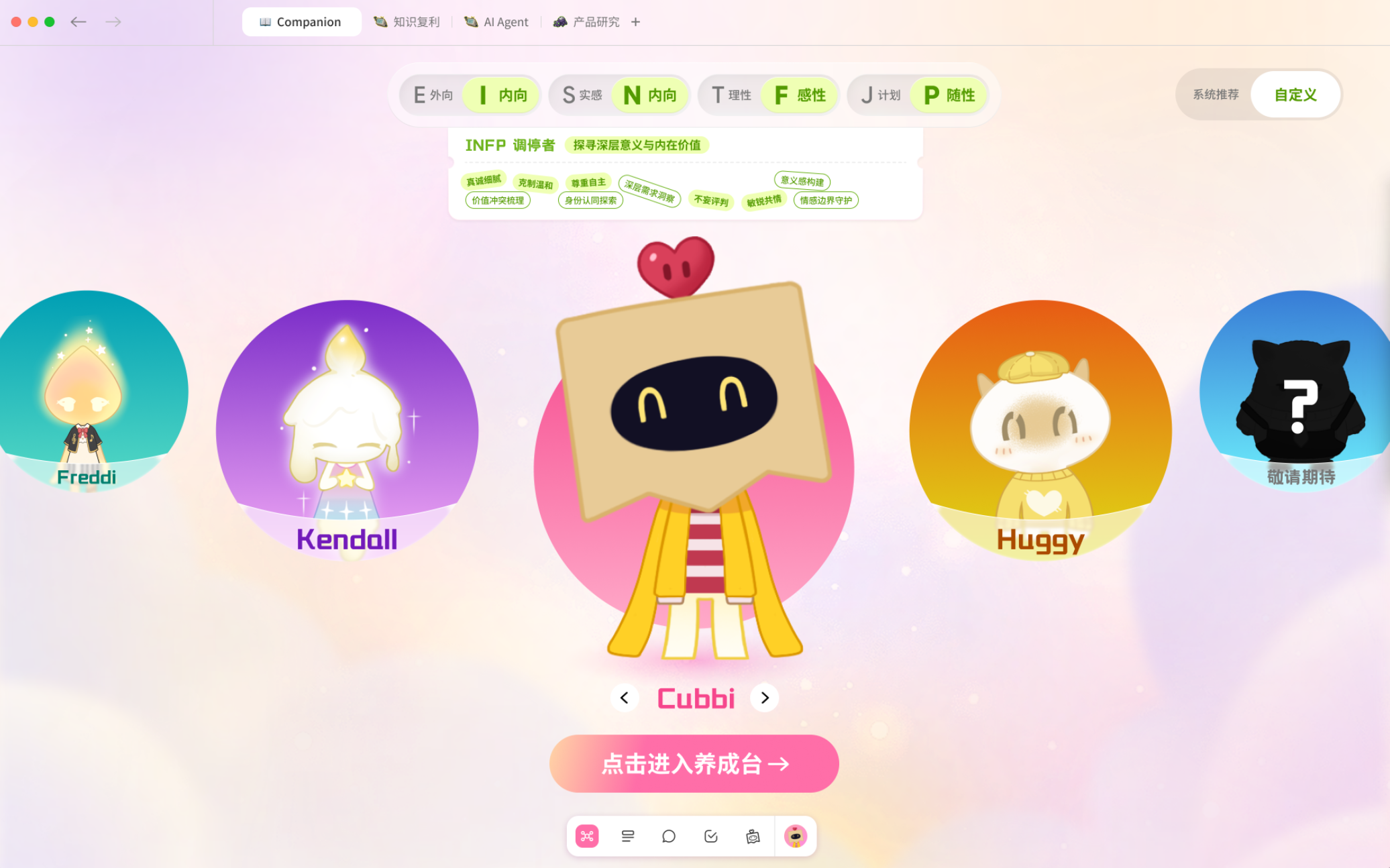
Cubbi is ready to join you on the journey
A line from a book might be the answer to yesterday’s question.
Reading notes ↔ Fleeting ideasKeep your notes, documents, links, ideas, and experiences in one growing collection.
Let AI find new connections across your sources, topics, and moments in time.
Let’s look through your ideas
and find something new together.
Build on what you know and turn inspiration into writing, tasks, and action.
It remembers your knowledge and experiences,
and brings them back when new questions arise.
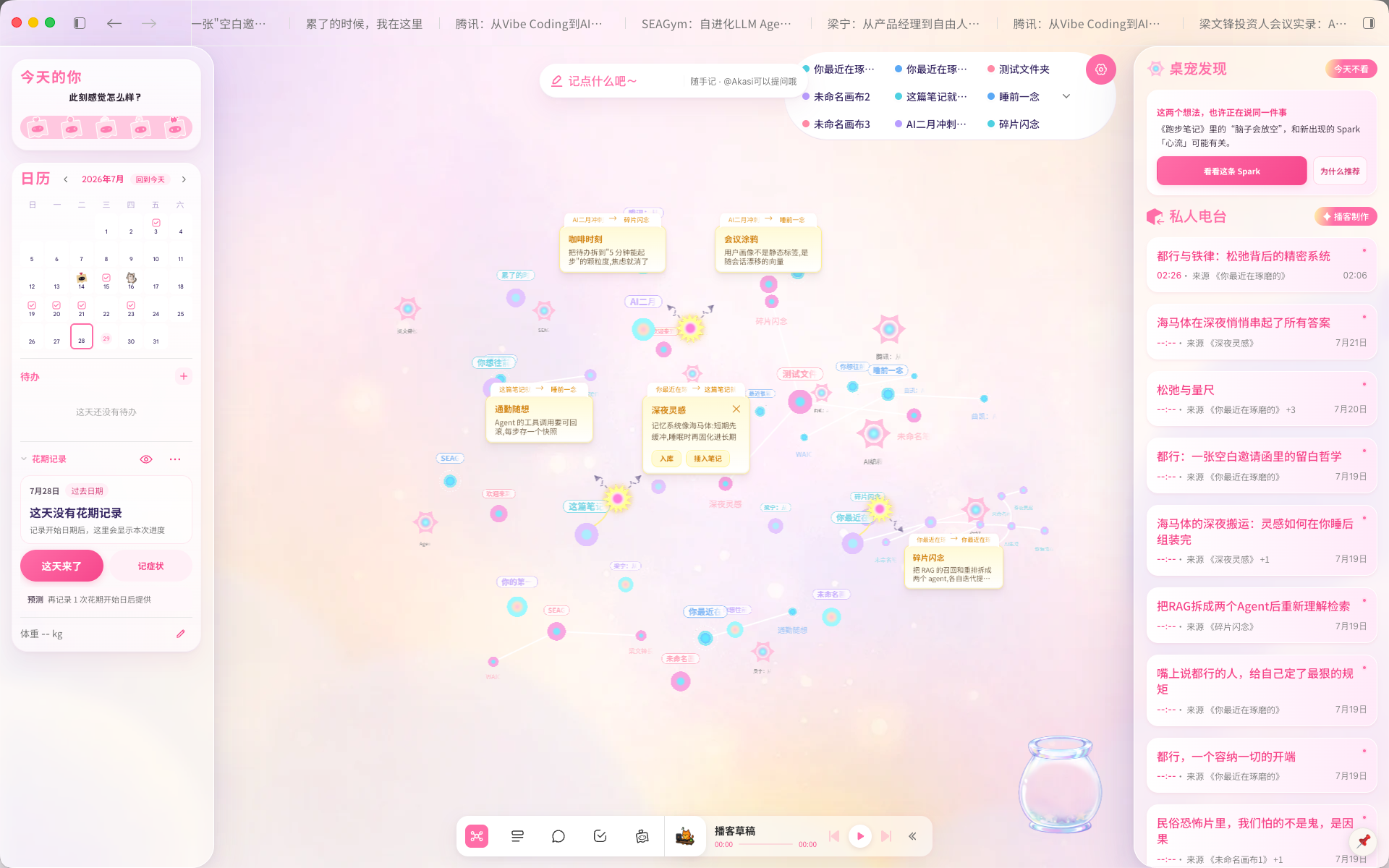
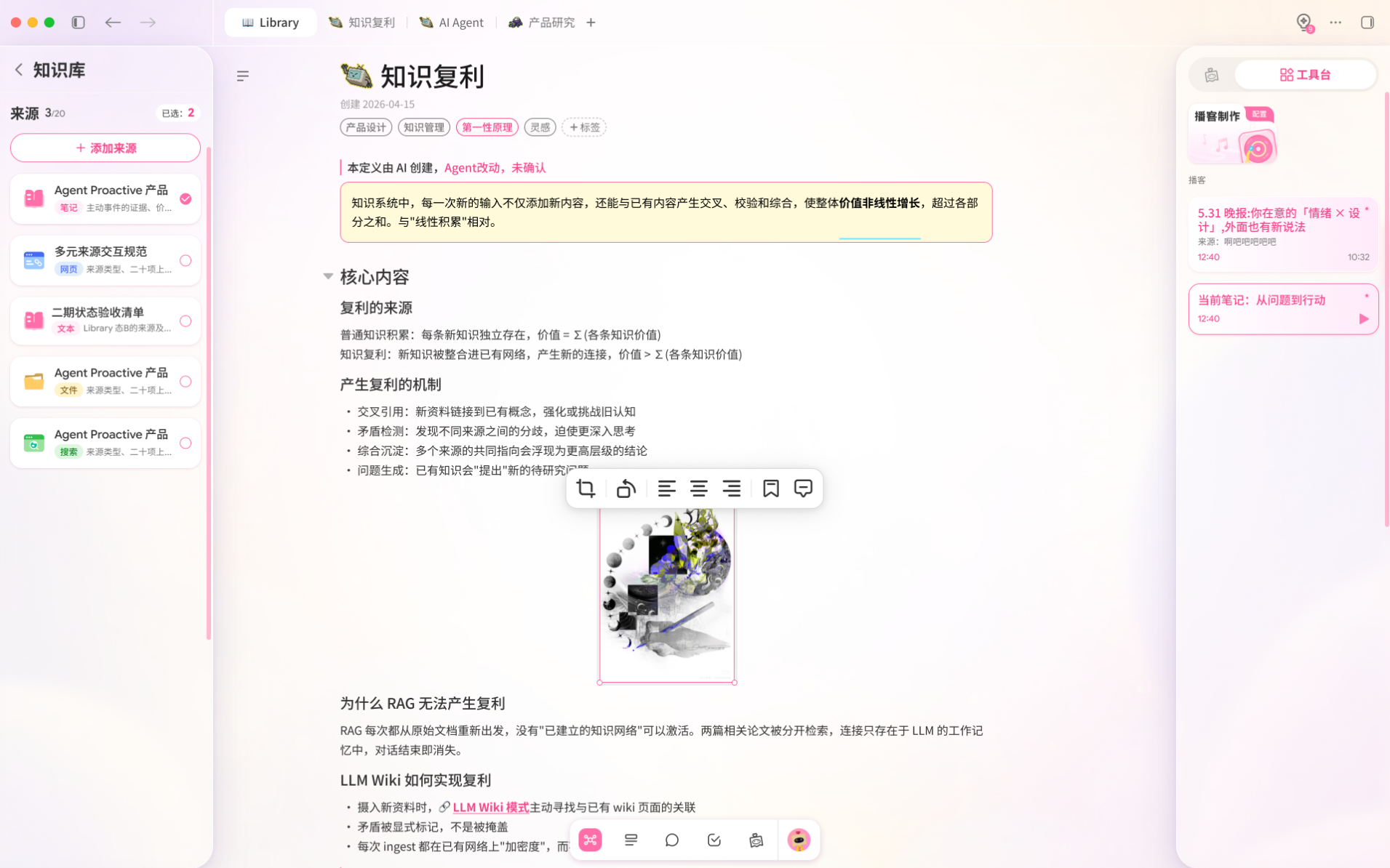
✦ SparkFind unexpected connections in what you already know.
♫ Personal RadioTurn your notes into podcasts you can listen to.
♡ Lasting memoryRemember your knowledge, choices, and experiences.
Akasi brings capturing, understanding, and taking action into one continuous experience. Start wherever you are and follow your ideas forward.
Catch a fleeting thought, or bring your existing notes, documents, and links into your Library.
Find connections in your knowledge graph and ask AI questions, turning your sources into context for deeper thinking.
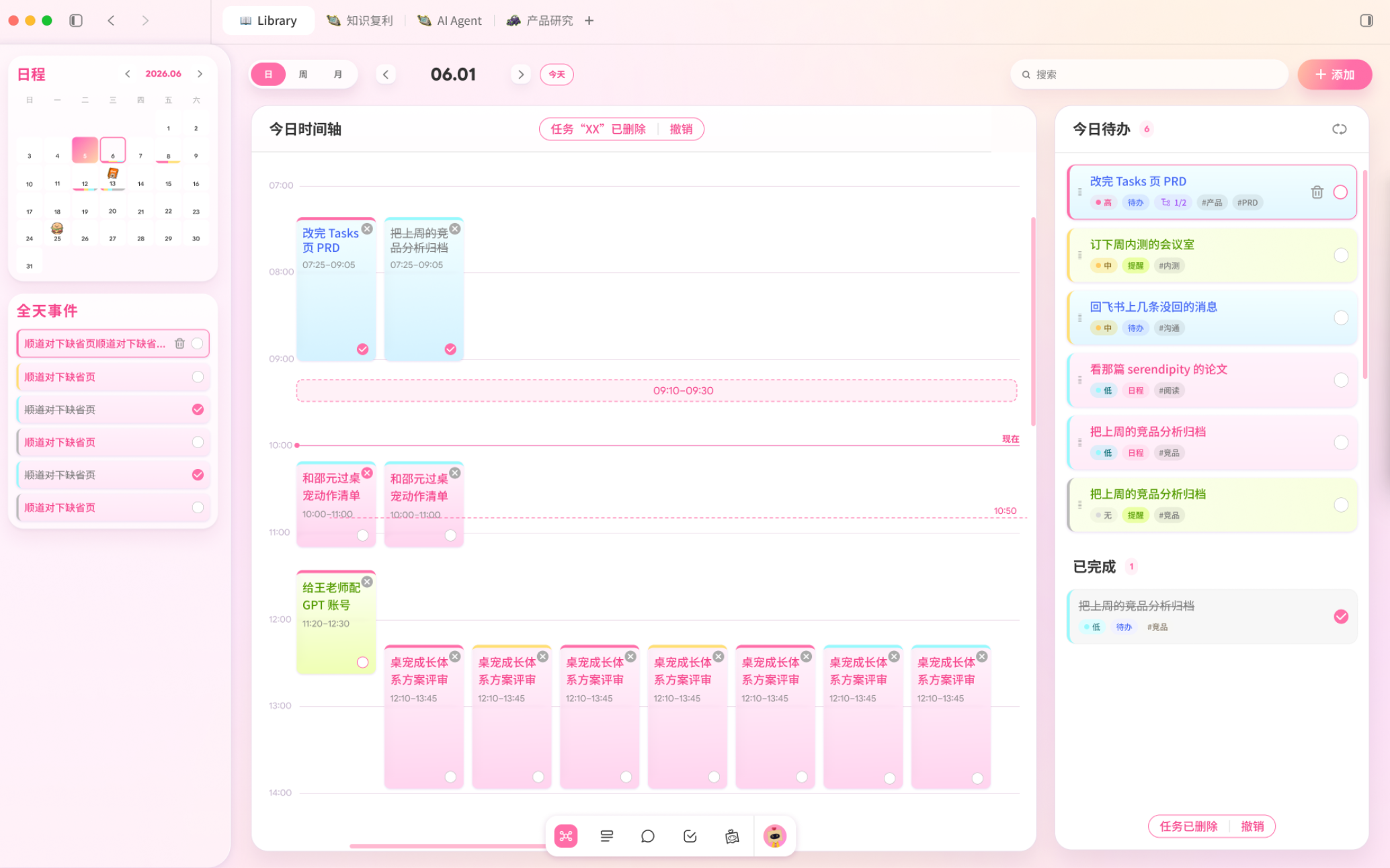
Turn conversations and notes into tasks, plan your schedule, and keep moving with your desktop companion by your side.
Most AI tools focus on answering the question in front of them. Akasi builds lasting memories and connections from your knowledge, reflections, and experiences, bringing what you have learned into what you think and create today.
Akasi currently offers desktop beta builds for Windows and macOS. Follow our official channels for updates on mobile availability.
Open the app and select “Create an account.” Verify your phone number or email, choose a nickname and password, and enter an invite code from our official channels. You must also confirm that you are at least 18 years old.
Registered users can sign in with a verification code sent to their phone or email, or switch to password sign-in. WeChat QR code sign-in is also available.
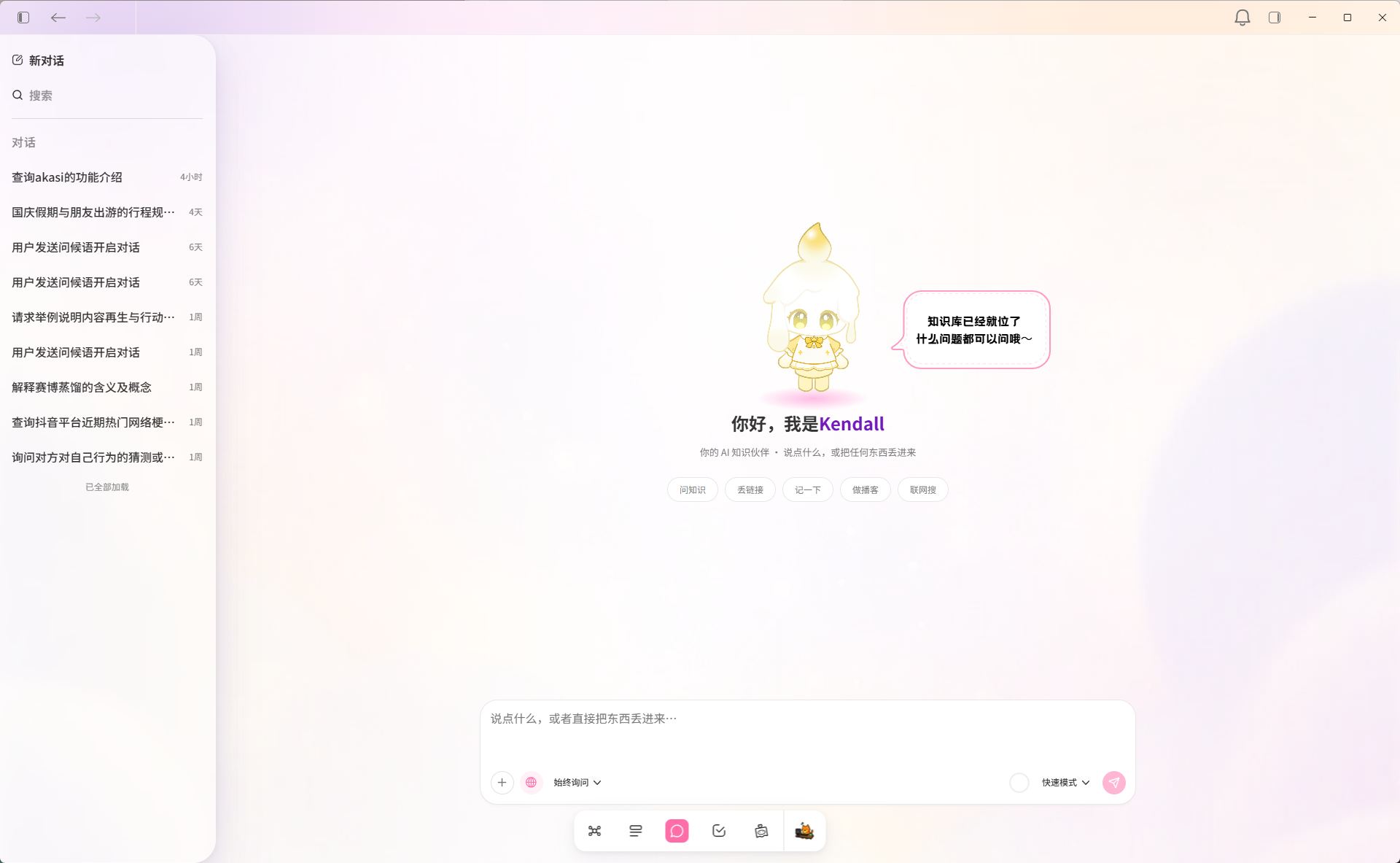
Yes. In the Library’s note focus view, you can add other notes, text files, or web links as sources for the current note. Then use the AI sidebar to ask questions, summarize, or continue writing.
Product news and everyday inspiration
Product demos and feature walkthroughs
Beta support and invite codes